
Passenger control and specialty-vehicle integration
Control the experience from one platform.
Lighting, climate, audio, video, displays, switching and passenger controls engineered as a coordinated vehicle system.
Vehicle architecture
Every passenger feature, visible in one system map.
A finished limousine visualization will show displays, switchers, lighting zones, amplifiers, TVs, network paths and service connections inside an actual vehicle interior.
Passenger environment system
Temporary placement visualization
MASTER DISPLAY
AUDIO + VIDEO
CONTROL CORE
LIGHTING + I/O
PASSENGER PODS
Passenger HMI
Android displays, touchscreens, keypads and distributed controls.
Explore →Lighting & Environment
Scenes, dimming, climate requests and accessory automation.
Explore →Audio & Media
Amplification, source control, streaming and display integration.
Explore →Vehicle Interface
Hardwired communication, distributed I/O, service and diagnostics.
Explore →Drivesoft limousine platform
Passenger experience on top. A disciplined electrical system underneath.
The page explains the software and hardware in ordinary industry language while connecting them as one complete platform.
Drivesoft DFS
Control software for limousine and specialty-vehicle electrical systems, operator configuration and passenger interfaces.
Limousine Electrical Switch
The core switching hardware used to control lighting, accessories, entertainment interfaces and distributed vehicle functions.
Limousine Switching System
Controls, switching modules, harnessing, interfaces, documentation and support configured as one vehicle system.
Actual Drivesoft hardware and software
Designed as one limousine control platform.
Touchscreen interfaces, switching, lighting control, harnessing and purpose-built vehicle electronics developed by Drivesoft.
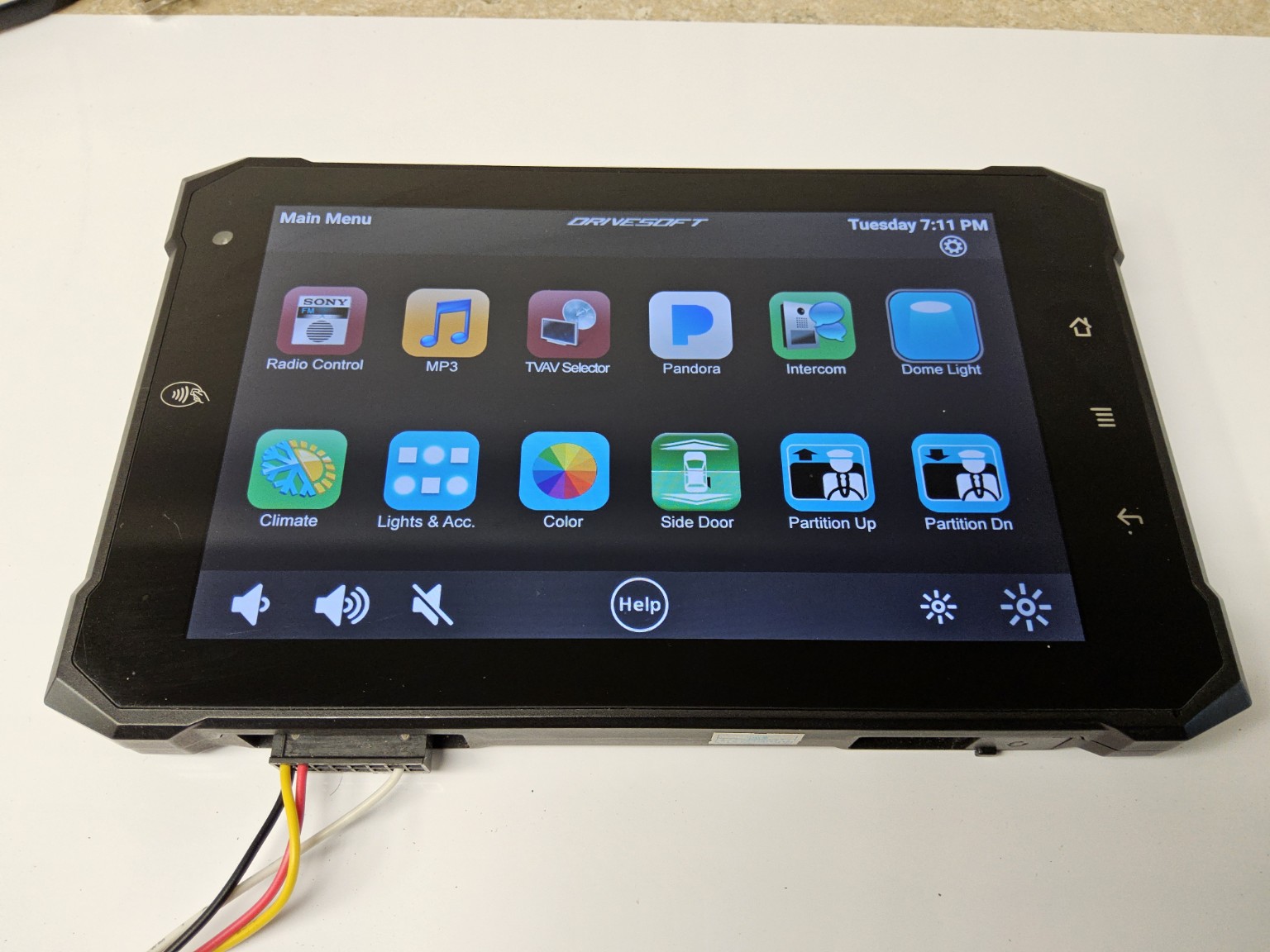
Passenger HMI
DFS touchscreen control
One interface for media, lighting, climate, doors, partitions and accessories.
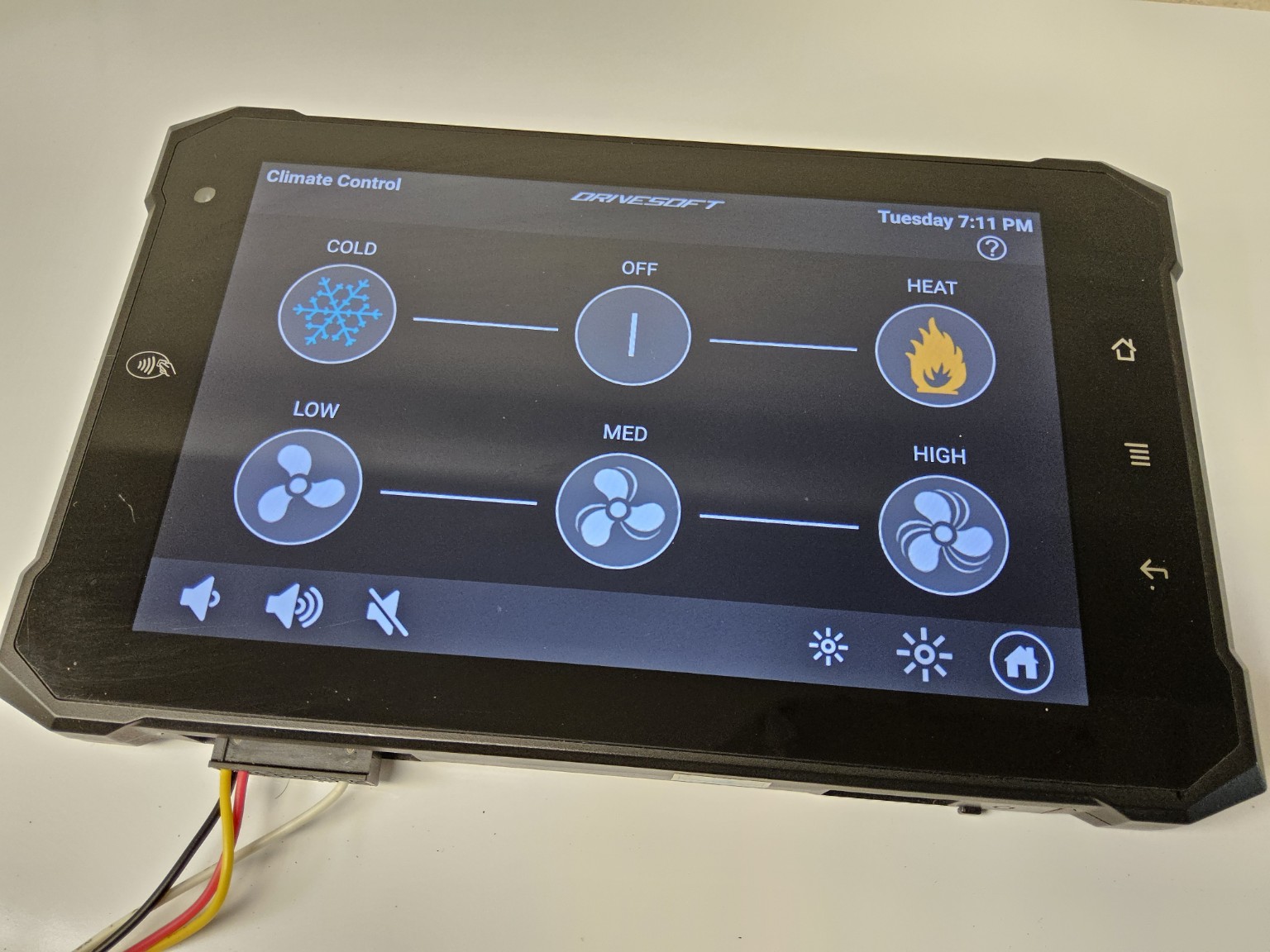
Environment
Climate and comfort control
Simple passenger control backed by configurable vehicle logic.
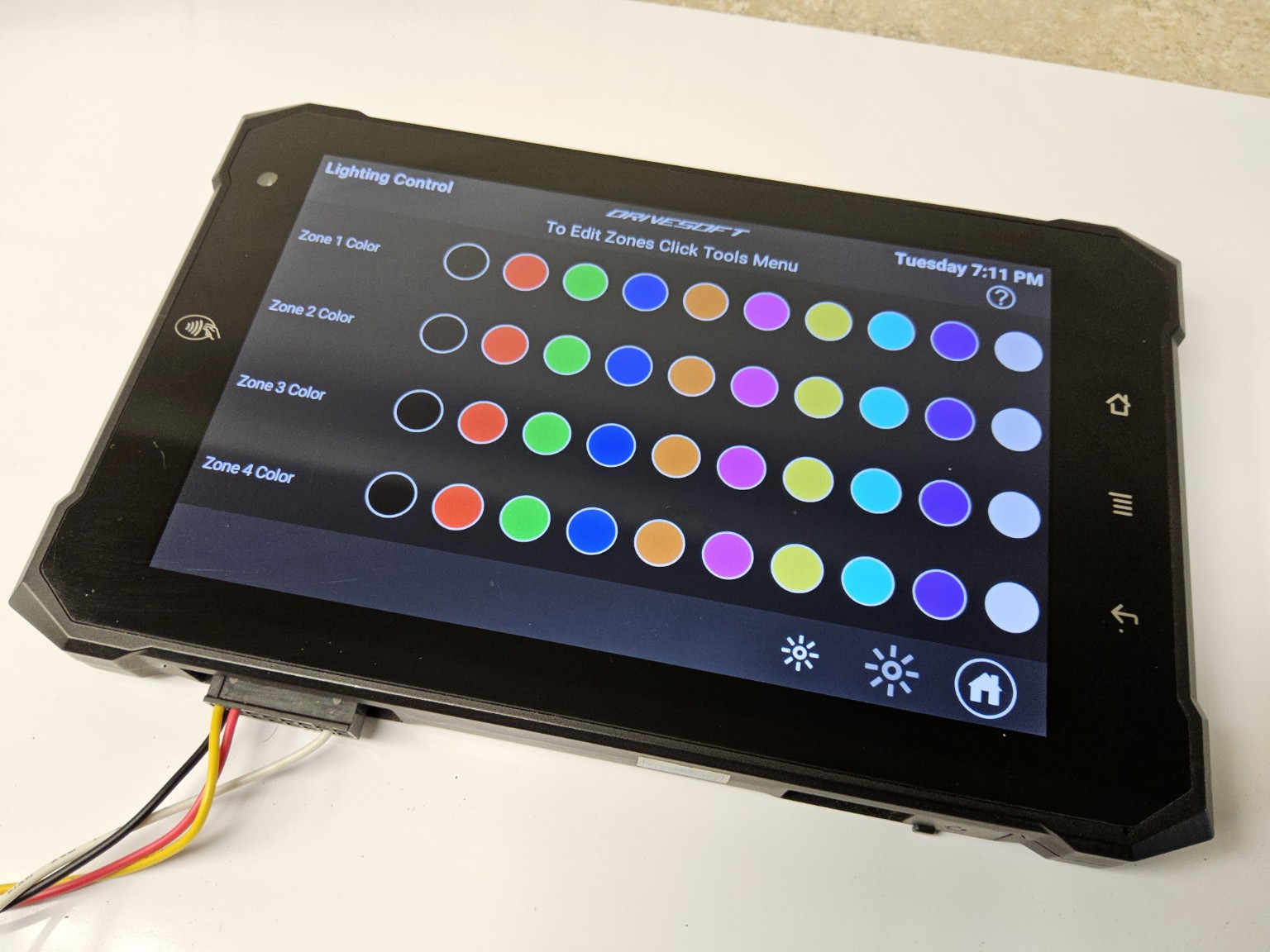
Lighting
Multi-zone color control
Independent RGB zones, brightness and scene control from the same display.
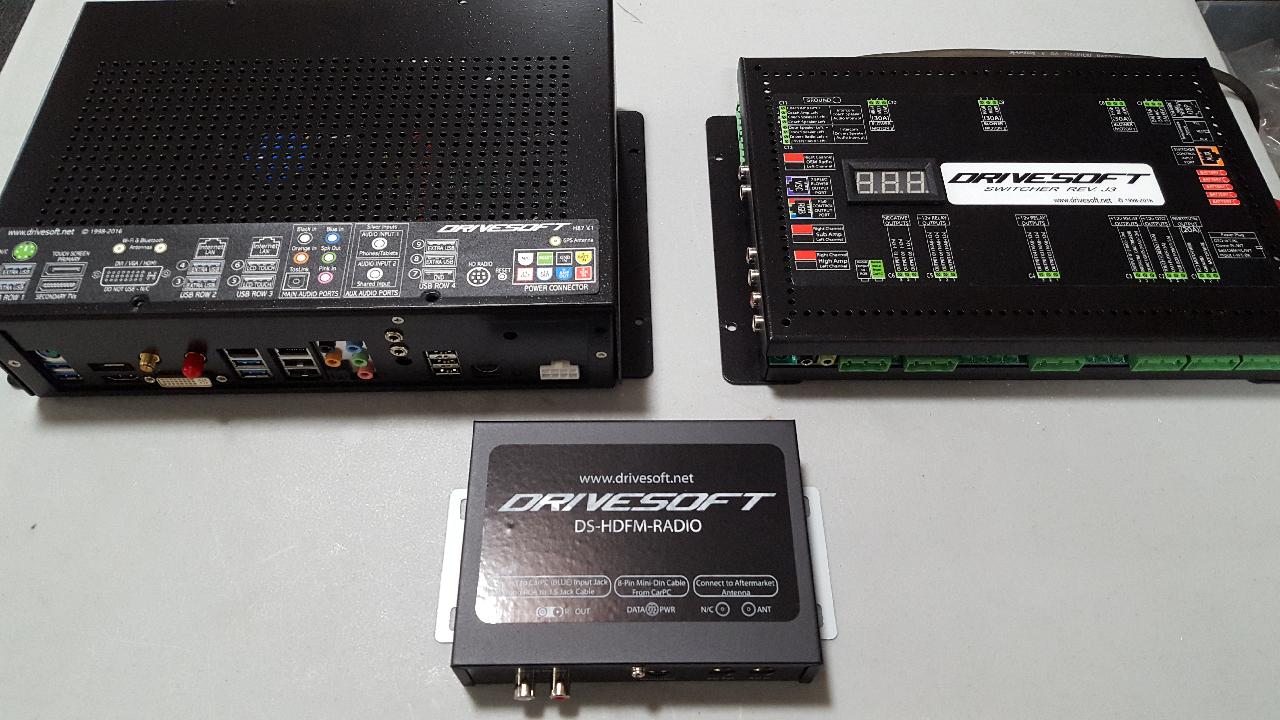
Control core
Switcher and media hardware
Centralized switching and interface hardware for the complete passenger system.
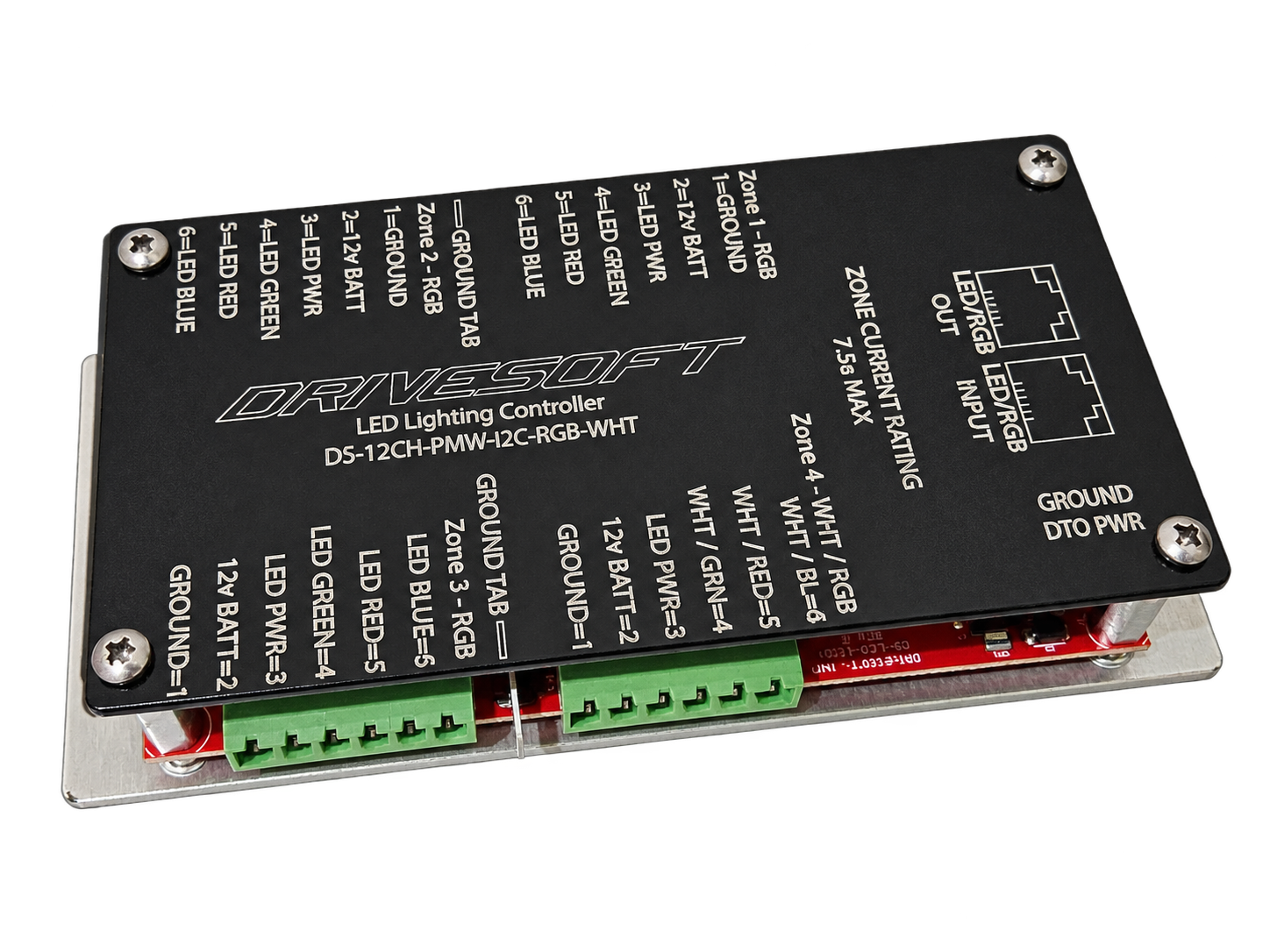
Lighting hardware
LED and RGB controller
Multi-zone lighting outputs with labeled vehicle connections.
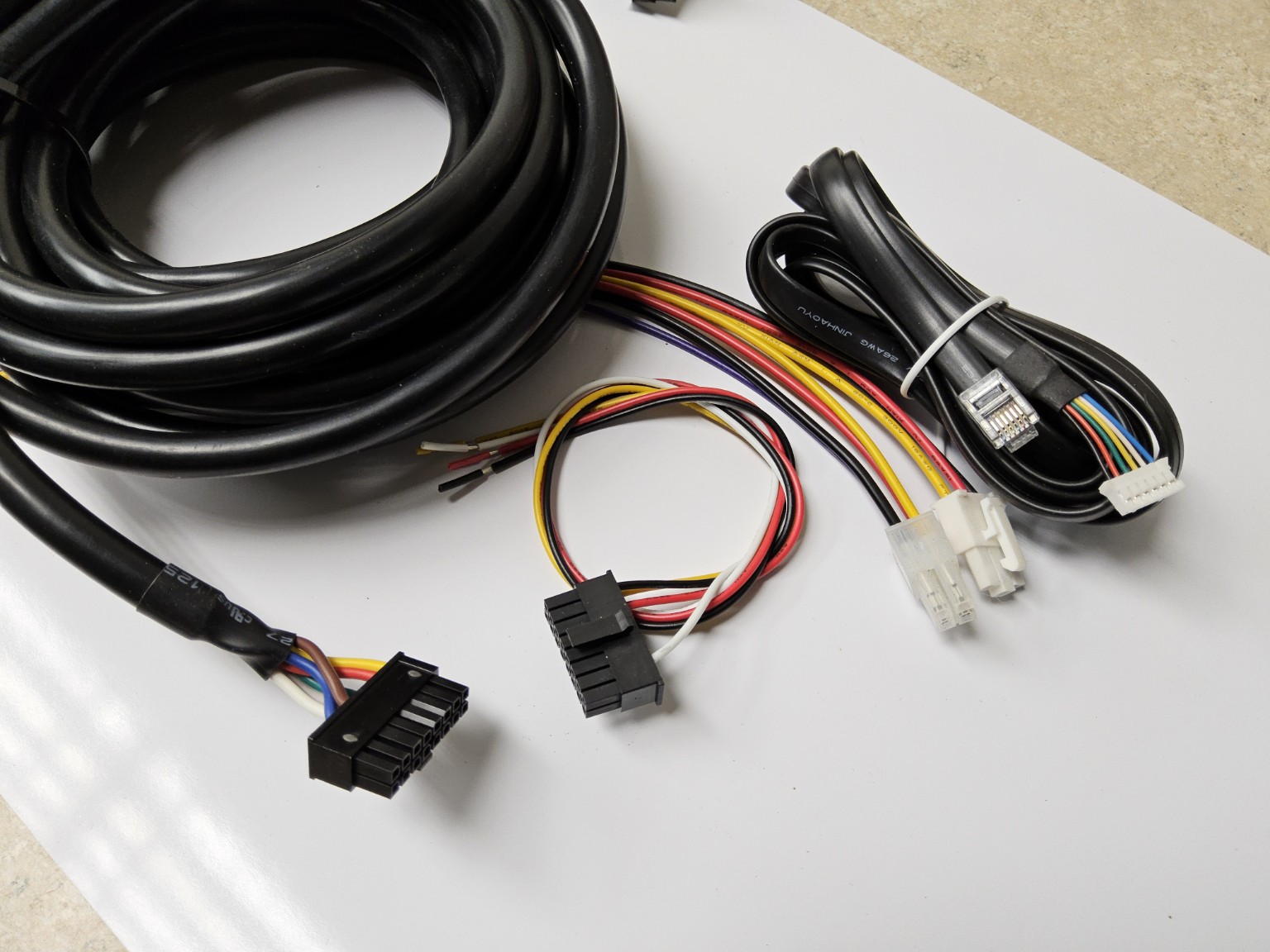
Installation
System harnessing
Purpose-built wiring and connectors that keep installation repeatable and serviceable.
Circuit-board engineering & production
The raw electronics behind the finished systems.
Drivesoft control, interface and audio circuit boards developed for specialty vehicles.
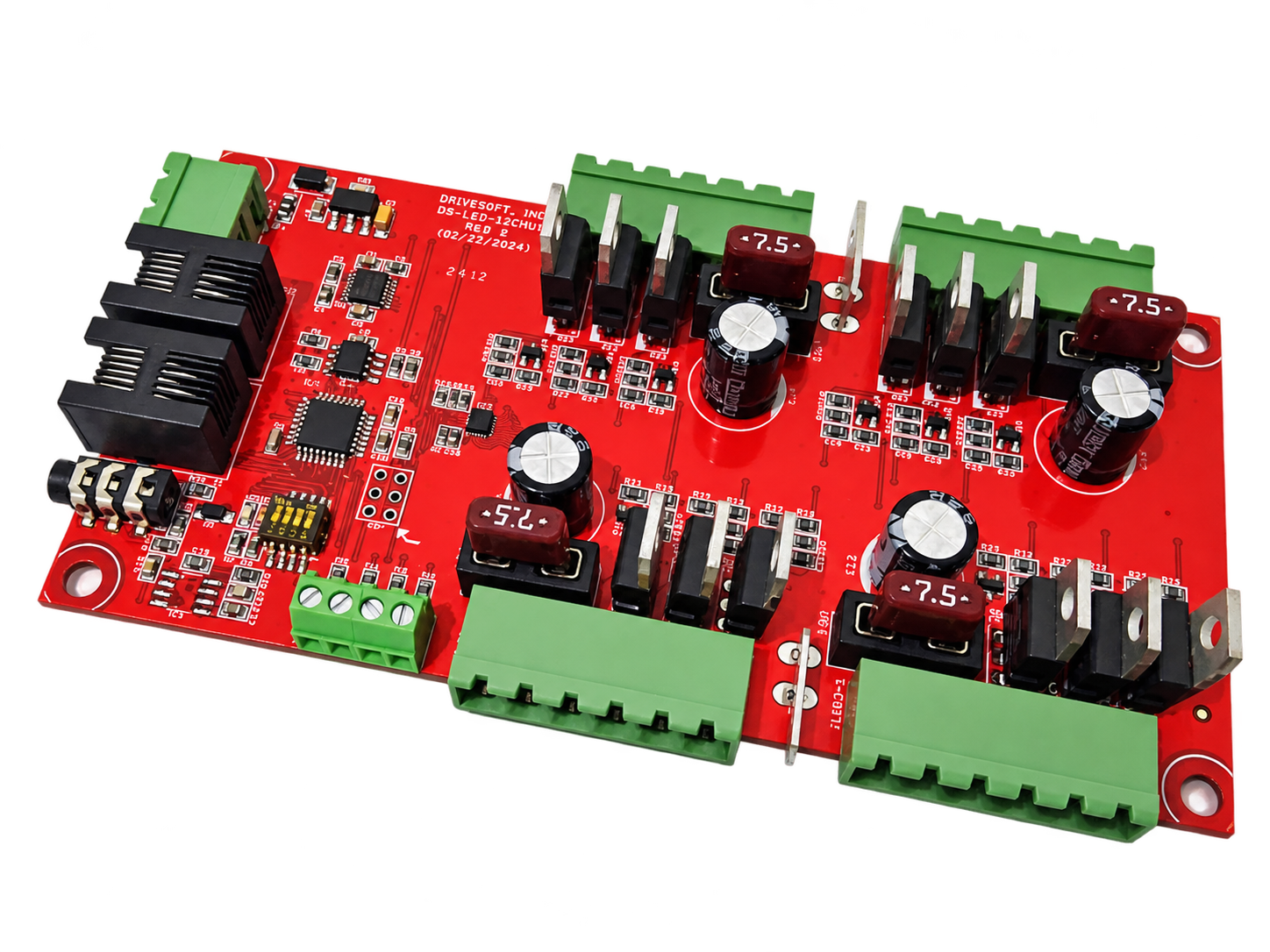
Lighting PCB
LED/RGB controller internals
Internal PCB view of the same multi-zone lighting controller shown above.
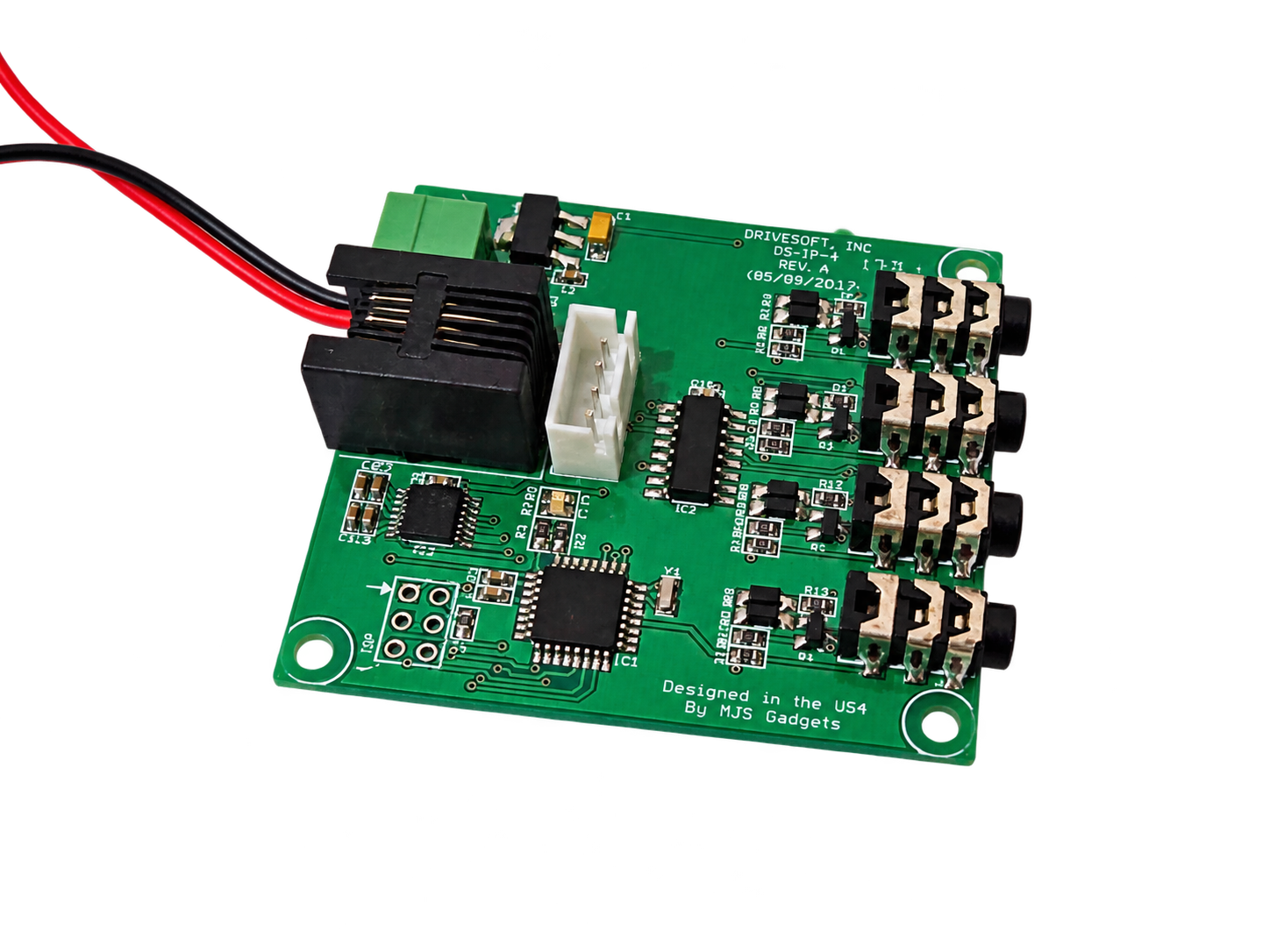
Control PCB
Four-channel IR repeater
IR to RS-232 or USB control, with preloaded codes for major brands.
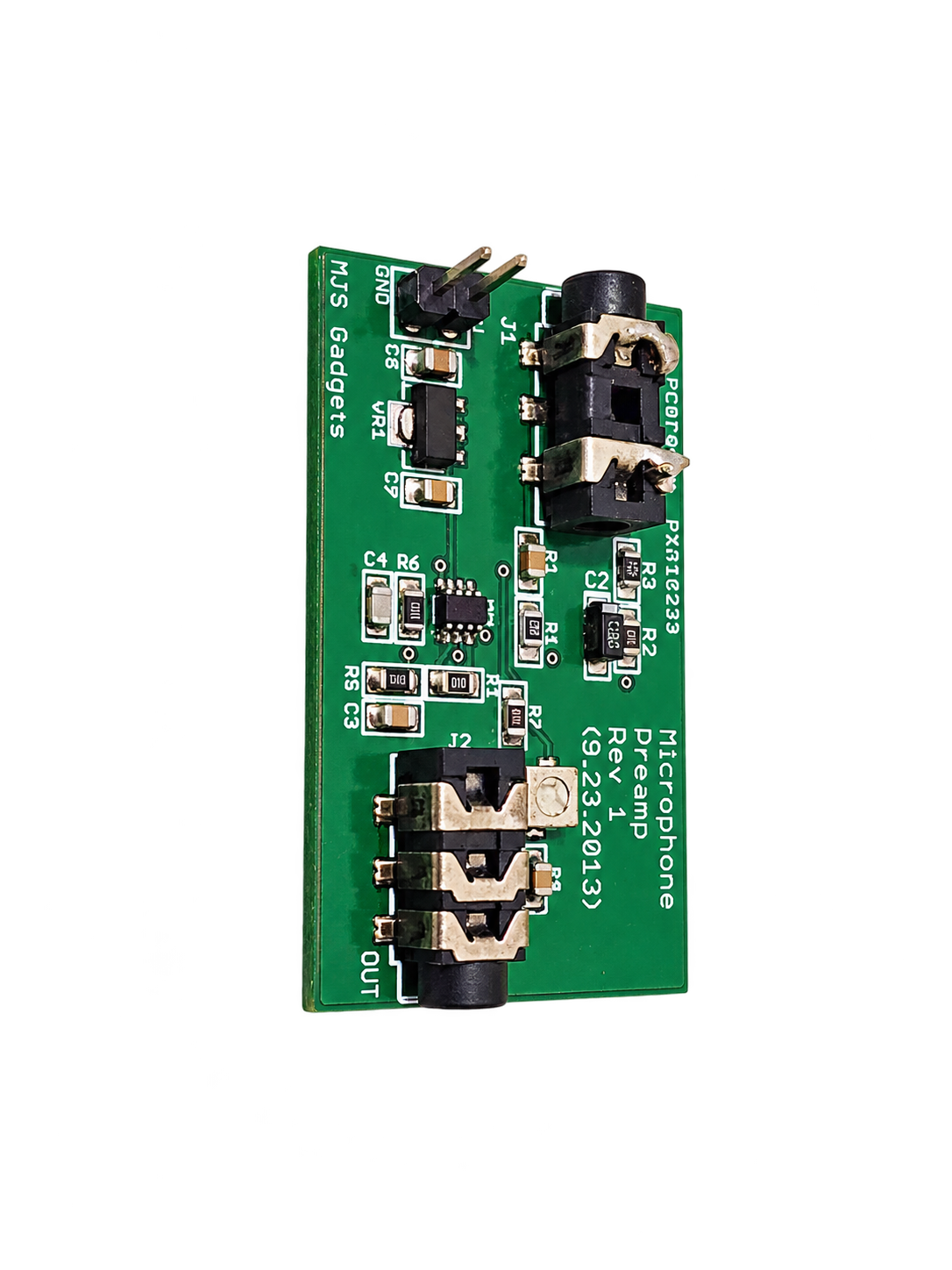
Audio PCB
Microphone preamplifier board
Purpose-built microphone interface and preamplifier circuitry.
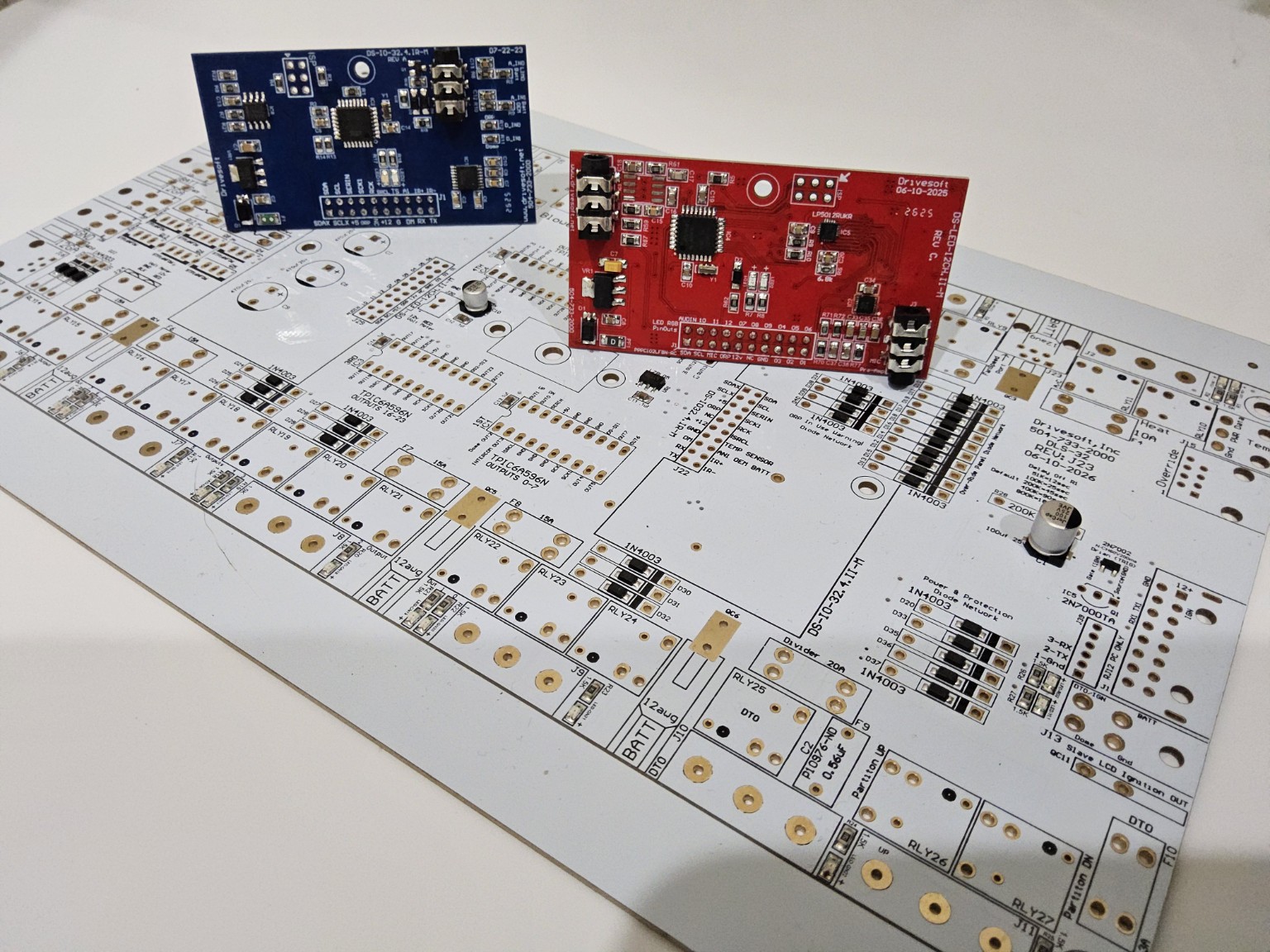
PCB development
In-house electronics development
PCB design, controller development and production support under one roof.
Application pathways
One platform across specialty interiors.
The atmosphere changes by vehicle; the engineering backbone remains serviceable and consistent.
Limousine & Executive
Refined passenger control, lighting and media presentation.
Party Bus & Entertainment
High-impact lighting, audio, video and multi-zone control.
RV & Specialty Coach
Distributed switching, monitoring and connected cabin systems.
Designed for builders
Flexible enough for customization. Structured enough for support.
Dealers can create distinctive vehicles without turning every build into undocumented one-off wiring.
Installer resources
Installation manuals and technical downloads.
A single destination for current limousine installation documents, wiring information, software setup and legacy support.
Limousine System Installation Manual
Primary installation sequence, system layout, power requirements and commissioning.
Document slot readySwitcher Wiring & I/O Guide
Inputs, outputs, protected loads, connectors and interface assignments.
Document slot readyDFS Touchscreen Setup Guide
Initial configuration, vehicle setup, user controls, backup and restoration.
Document slot readyLED/RGB Controller Installation
Zone wiring, current limits, network connections and lighting configuration.
Document slot readyHarness & Interface Diagrams
Harness routing, connector identification and system interconnect drawings.
Document slot readyLegacy Limousine Systems
Archived installation manuals and service information for earlier Drivesoft platforms.
Document slot readyThe download structure is ready. Approved PDF files will replace each document slot without changing the page layout.
Builder resources
Manuals, drawings and service information.
Start in the installation-manual library, then reach Drivesoft support when a build needs direct technical help.
Open installation manuals →Dealer development
Build the next platform with Drivesoft.
Discuss custom hardware, Android interfaces and production programs.